
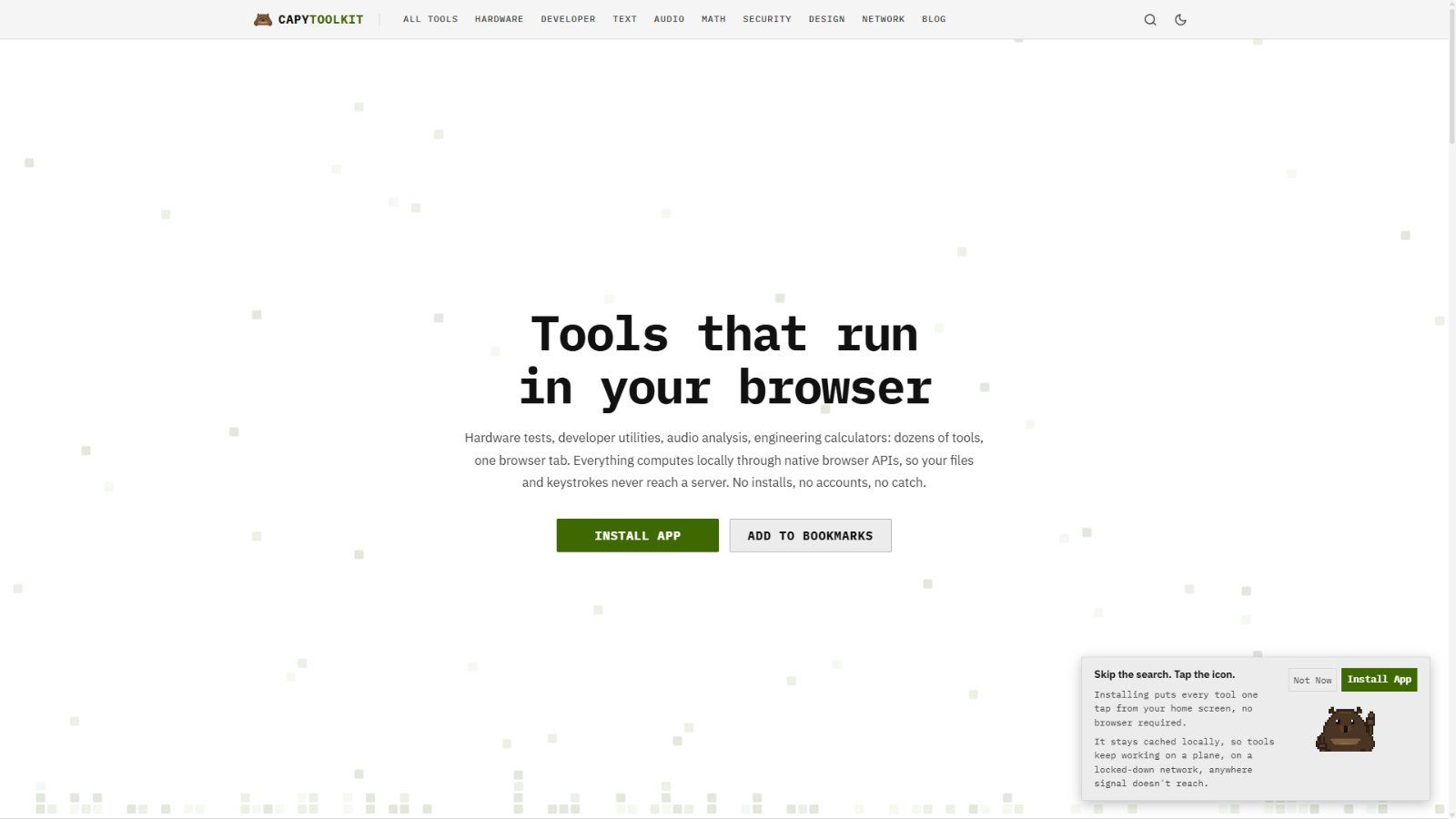
CapyToolkit started the way a lot of side projects do: a solo developer got tired of online utilities that demand an account, an upload, or an email address before doing ten seconds of work. The answer is a free suite of 45 browser tools where nothing you touch ever reaches a server.
The catalog is deliberately practical. Test a gamepad for stick drift, measure a mouse polling rate, check a screen for dead pixels, analyze webcam lighting, or measure microphone noise floor and round-trip latency. The same site decodes JWTs, formats JSON, strips GPS data from photos, scores readability, and checks WCAG contrast. Eight categories cover hardware, developer, security, audio, math, text, design, and network work.
It runs as a plain website, an installable PWA, or a Windows app from the Microsoft Store, and works offline once installed. Every tool page includes examples and a short how-to, and a blog documents the same hardware and security topics in depth. Free, no account, staying free.
Frequently asked questions
What is CapyToolkit?
CapyToolkit is a productivity tool. Free tools that run in your browser, not the cloud.
Is CapyToolkit free?
Yes — CapyToolkit is free to use.
What can you do with CapyToolkit?
CapyToolkit covers Hardware diagnostics like gamepad stick drift, mouse polling rate, dead pixel and webcam lighting checks, Developer tools such as JWT decoding and JSON formatting and Audio tools for microphone noise floor and round-trip latency measurement.
More in Productivity

Distraction-free YouTube — hide the feed, Shorts, comments and autoplay
Build Custom Agents, search across all your apps, and automate busywork. The AI workspace where teams get more done, faster.

finisma – ZUGFeRD-Konverter (PDF → EN 16931)

Reclaim is an AI-powered app that creates 40% more time for teams — auto-schedule tasks, habits, meeting & breaks – free on Google Calendar & Outlook Calendar.

Fyxer is the email assistant that organizes your inbox, writes draft replies in your tone, and takes meeting notes.

Superhuman is the AI productivity suite that gives you superpowers everywhere you work. So you can be more creative, strategic, and impactful.
No comments yet — be the first to say something useful.