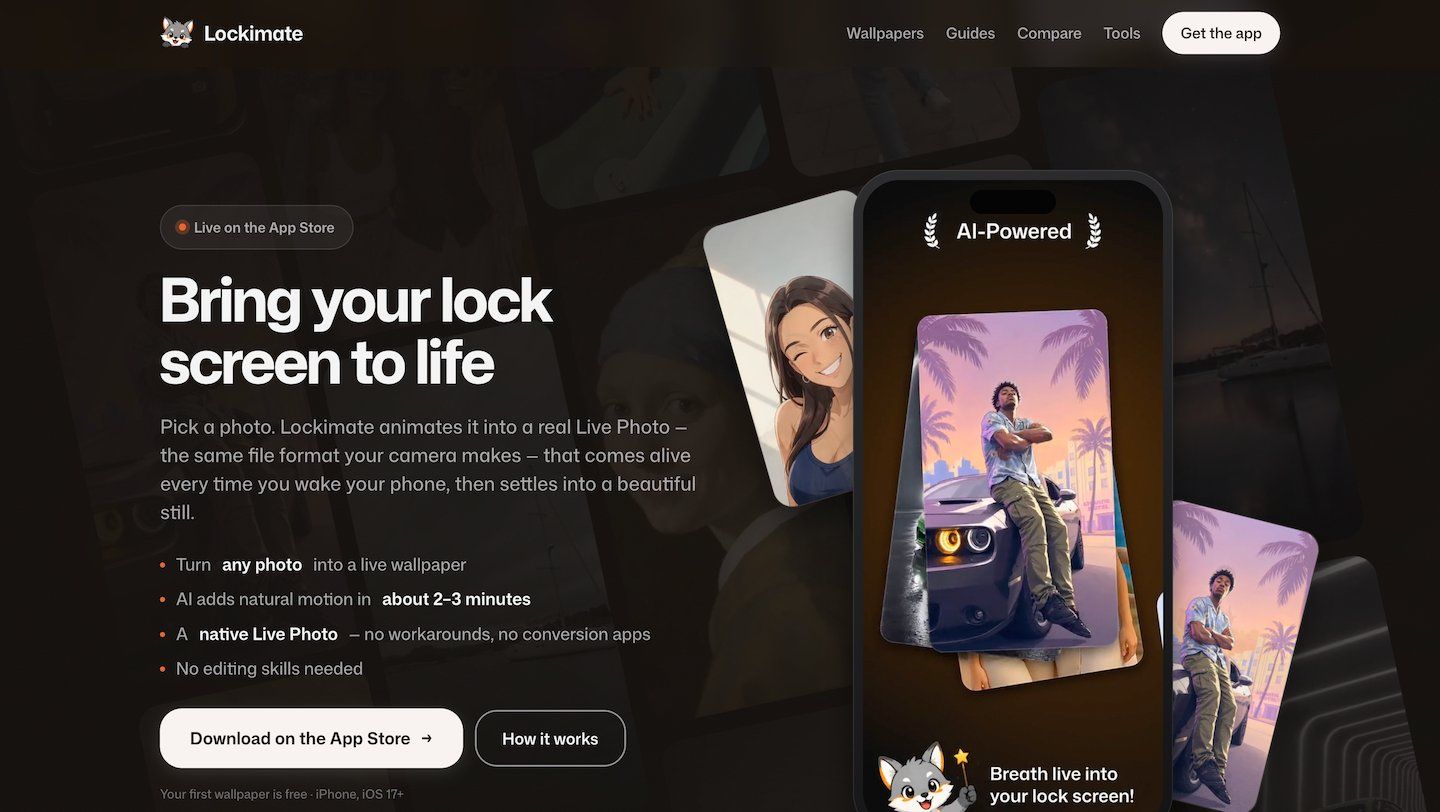
Lockimate turns any still photo into a living lock-screen wallpaper for iPhone.
The problem it solves: iOS will only animate a lock screen if the file is a genuine Apple Live Photo — a paired .heic image and .mov clip carrying specific metadata. Most apps in this category either require you to supply your own video clip, or export an .mp4 you then have to run through a separate converter, which usually still fails. iOS gives no error when it refuses; the Live badge simply greys out.
How it works:
1. Pick any photo from your library — a portrait, a pet, a landscape, even a screenshot. 2. Choose the motion. Lockimate reads the photo and ranks motions that suit it, or you can search the full list, or type your own description of how it should move. 3. Optionally restyle the photo before animating: Realistic (free), Anime, 3D Cartoon, Painterly, or Neon Coast. 4. About 2-3 minutes later the finished Live Photo is in your Camera Roll, ready to set through the normal iOS Settings flow.
Everything is adjustable — the motion, the style, and the photo — so the same picture can produce completely different wallpapers.
No account or login. The first wallpaper is free. A membership adds 10 wallpapers a month, with one-time top-ups if you need more.
Requires iOS 17 or later, the release that restored native Live Photo lock screens. iPhone only.
Frequently asked questions
What is Lockimate?
Lockimate is an image tool. Lockimate — Bring your lock screen to life.
Is Lockimate free?
Lockimate is freemium: you can start on a free tier, and paid plans unlock more.
What can you do with Lockimate?
Lockimate covers Converts any still photo into a properly formatted .heic + .mov Live Photo, AI-ranked motion suggestions tailored to the photo content and Custom motion description input for user-defined animation.
More in Image

Create and edit images, audio, and video with Adobe Firefly’s Generative AI, plus try top models from Google, OpenAI, and more.

Remove image backgrounds automatically in 5 seconds with just one click. Don't spend hours manually picking pixels. Upload your photo now & see the magic.

Create product and portrait pictures using only your phone. Remove background, change background and showcase products.
Generate, edit, and enhance images, videos, and 3D assets with Krea

Magnific set the bar for generative AI upscaling, turning blurry or low-res images into richly detailed, high-resolution art.
Recraft is a top-ranked text-to-image model and design platform for photorealism, vector generation, custom styles, mockups, and more
No comments yet — be the first to say something useful.