
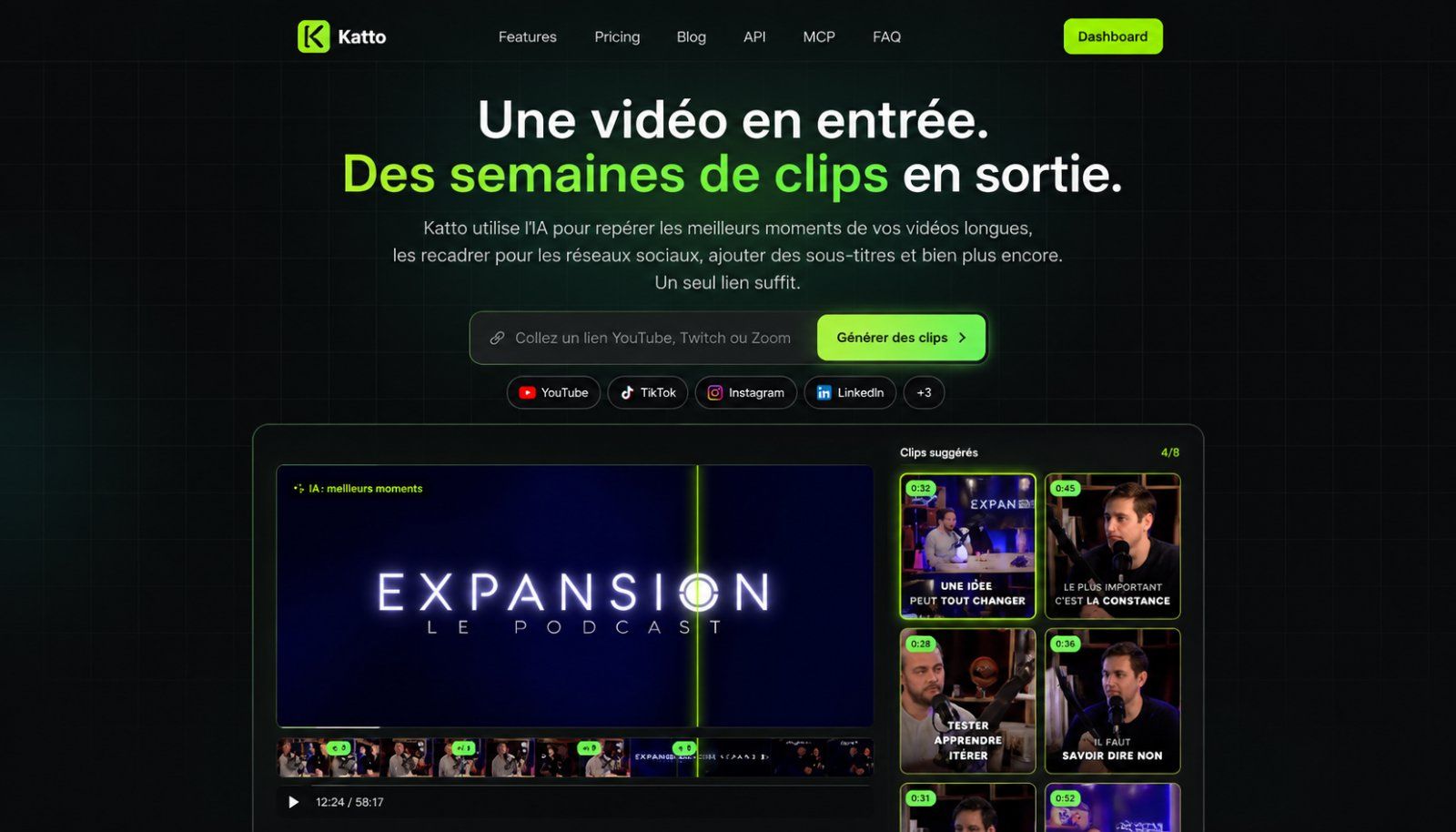
Katto turns long videos into short, captioned clips for YouTube Shorts, Instagram Reels and TikTok.
Paste a supported video link or upload a file. AI identifies potential highlights, generates captions and prepares vertical clips. Review the results, adjust cuts, captions and framing in the browser editor, then export.
Built for creators, educators and marketers who want to repurpose existing videos. Paid features include speaker-aware reframing and multilingual dubbing.
Start free with no credit card required. Creator offers a flat monthly video allowance instead of per-minute credits. API and MCP access support automated workflows.
Frequently asked questions
What is Katto?
Katto is a video tool. Turn long videos into captioned Shorts, Reels and TikToks with AI.
Is Katto free?
Katto is freemium: you can start on a free tier, and paid plans unlock more.
What can you do with Katto?
Katto covers Upload or paste a video link to generate short clips, AI-driven highlight detection and caption generation and In-browser editor to adjust cuts, captions and framing.
More in Video

We are building foundational General World Models that will be capable of simulating all possible worlds and experiences. The next frontier of intelligence will

Generate AI videos from your ideas using HeyGen. Input text, image, or audio to create complete videos with narration, captions, visuals, and animations.

Create AI generated videos from text with the most advanced AI avatars and voiceovers in 160+ languages. Try our free AI video generator now!
Build AI humans that see, hear, and talk face to face in real time. Deploy custom video agents, digital twins, and AI companions in 30+ languages with simple AP

Kling AI, tools for creating imaginative images and videos, based on state-of-art generative AI methods.

OpusClip turns long videos into high-quality viral clips, and publishes them to all social platforms in one click. We help 10M+ creators create and grow faster.
No comments yet — be the first to say something useful.